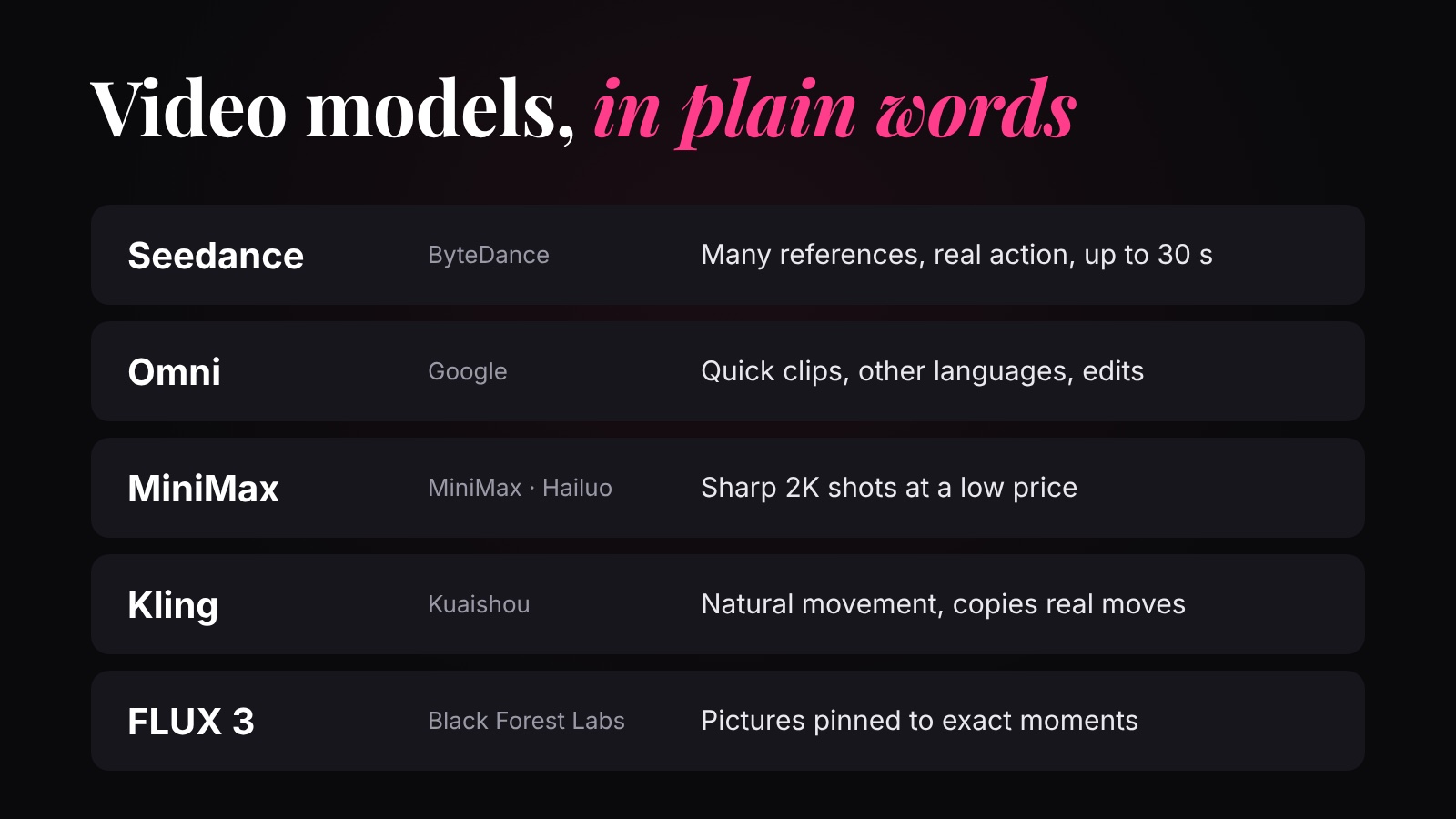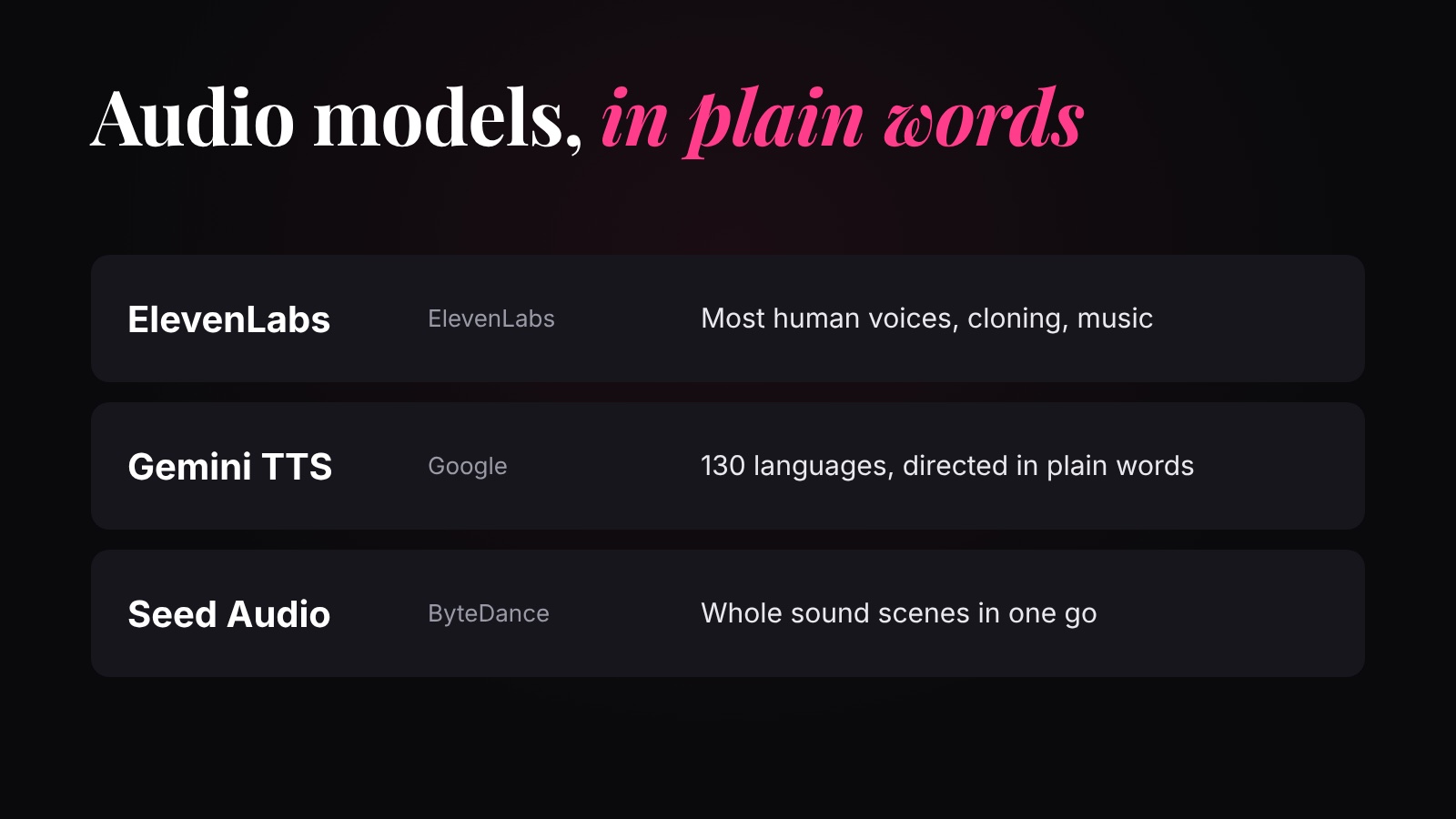
Next to every prompt on OpenDirector sits a short row of settings. They decide the shape of what you get, how sharp it is, how many you get, the file it comes in, and so what it costs. They work the same way on almost every model.
Why you shouldn't skip the prep+
Image settings
| Setting | What it does | What to pick |
|---|---|---|
| Aspect ratio (1:1, 16:9, 9:16, 4:3, 3:4) | The shape of the picture. | Where it will be seen: 9:16 for Reels, Shorts and TikTok; 16:9 for YouTube, websites and every sheet in this course; 1:1 for a feed post. |
| Resolution (1K, 2K, 4K) | How many pixels. More pixels: sharper, slower, pricier. | 1K for drafts, 2K for finals. 4K is rarely worth it: upscale a good picture instead. |
| Quality (auto, low, medium, high) | How much work the model puts into each picture. | Low for drafts, high for a picture you'll use. Auto lets the model decide. |
| Number of images (1 to 4) | Several tries from one prompt, at once. | 2 to 4 while you explore; 1 once the prompt is right. You pay for each one. |
| Format (PNG, JPEG, WebP) | The file type. | PNG keeps every detail: use it for pictures you'll attach again. JPEG and WebP are smaller, for sharing and the web. |
| References (up to 10 on GPT Image 2) | Pictures the model copies from. | Your person, product and place. More on this in how image models work. |
Video settings
| Setting | What it does | What to pick |
|---|---|---|
| How it starts (Text, Frames, References) | Words only; your first (and last) picture; or pictures of your people, product and place. | See first frame and reference to video. |
| Duration (Auto, or 4 to 30 s on Seedance 2.5) | How long the clip is. You pay for every second. | Only as long as the shot needs. |
| Resolution (480p, 720p, 1080p) | Pixels in every frame. | 480p for drafts, 720p or 1080p for the final. |
| Aspect ratio (adds 21:9) | The shape of the frame. 21:9 is the wide cinema look. | The same rule as images: where it will be seen. |
Watch the price
The price is on the Generate button, and it changes with every setting: a bigger picture, higher quality, more images, a longer or sharper clip. Draft small and cheap, and make the final once. What each model costs is on the price comparison.
Quick answers
Which aspect ratio should I use for Instagram Reels?
9:16, tall. 16:9 is for YouTube and websites, 1:1 for a square feed post.
Should I make images in 4K?
Rarely. Make it at 1K or 2K, and upscale the one you keep. 4K takes longer and costs more.
PNG or JPEG?
PNG keeps every detail, so use it for pictures you'll attach to another generation. JPEG and WebP are smaller files.
Why does a longer video cost more?
Video is priced per second, so a 20-second clip costs twice a 10-second one at the same resolution.