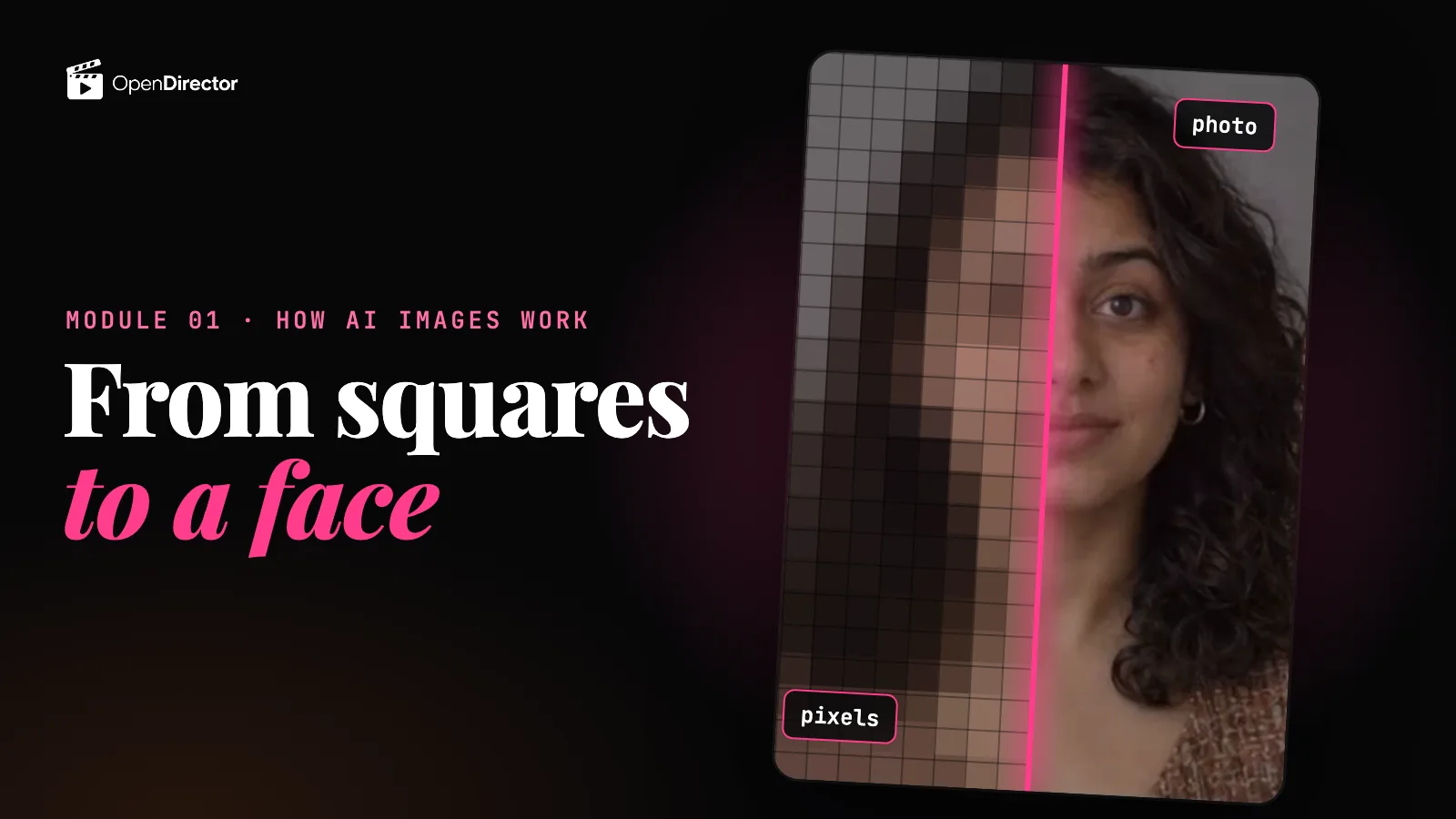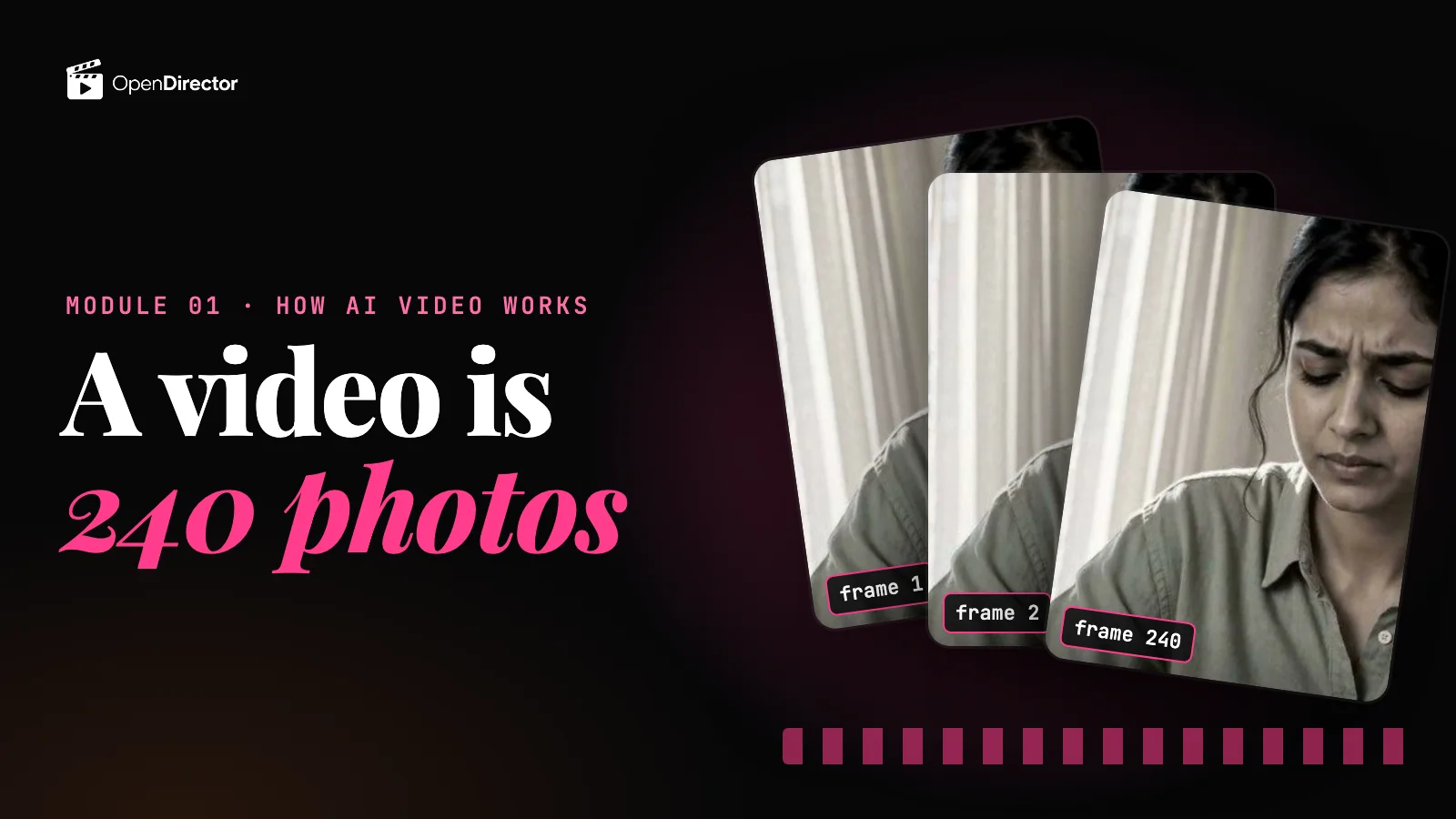
In thinking in pixels we built one mental picture: an image is a grid of pixels, and every image model is choosing a colour for each one. Some start from static and clean the whole grid, step by step. Some build it tile by tile. They read your reference images as labels. And an edit redraws the whole picture, unless you mask the part to change.
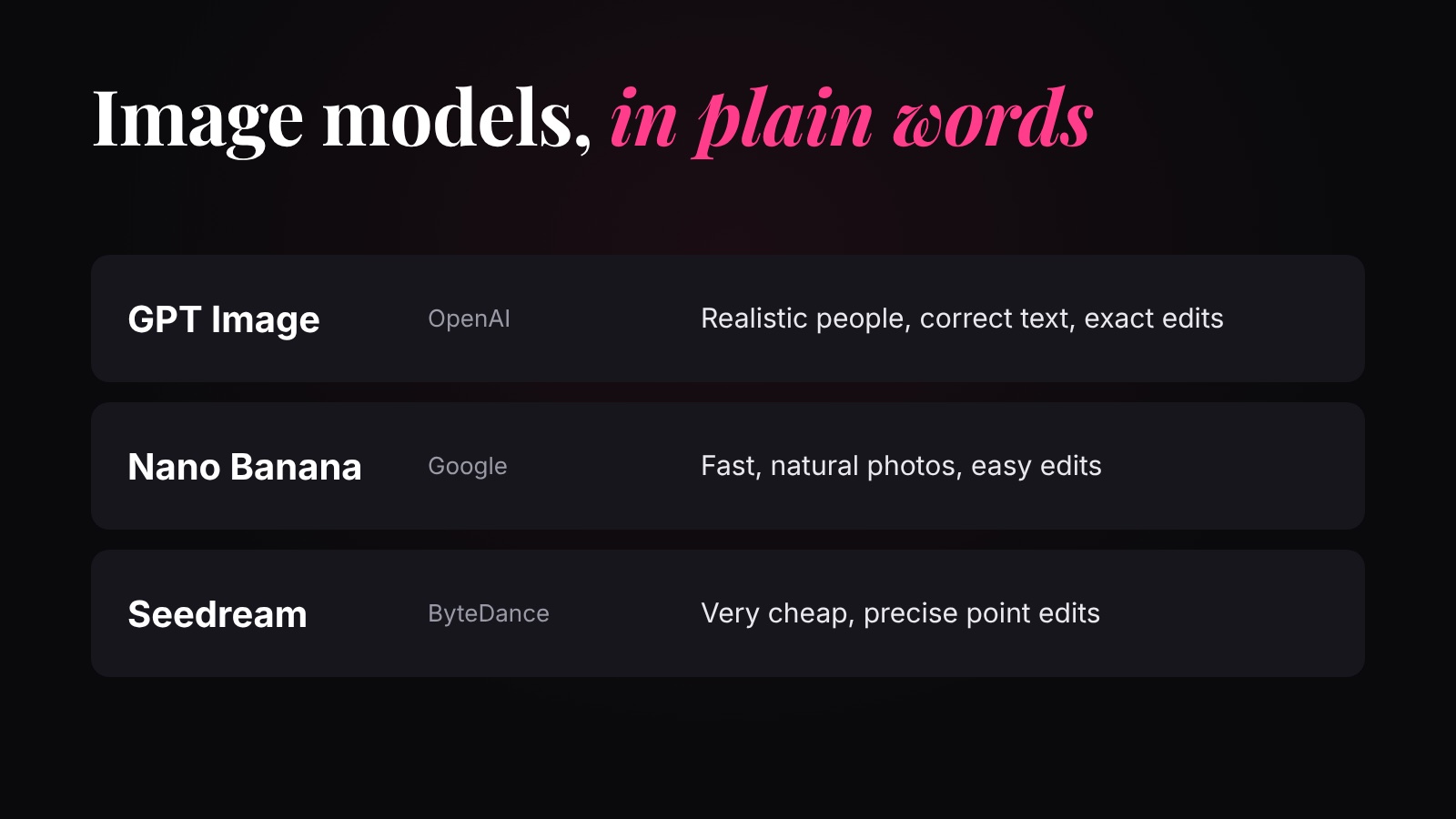
Every model you'll use does those same things. What changes from one company to the next is how well it does each one, and how much work (and money) it spends doing it. Three families cover almost everything you'll make.
Why you shouldn't skip the prep+
The four questions to ask any image model
Each one comes from the last lesson. Ask them of every model below:
| Question | Why it matters (from thinking in pixels) |
|---|---|
| How careful is it with small details? | Text, fingers and logos get few pixels and are decided last, so they're the first to go wrong. |
| How well does it read references? | References are turned into labels: face, shirt, label. A better reader keeps your person and product the same. |
| How does it edit? | Most edits redraw everything, so the face can drift. Some models can change one spot and leave every other pixel alone, like inpainting. |
| How much work does an image take? | More steps, more pixels and more references all mean more work, and a higher price. |
GPT Image (OpenAI)
OpenAI's image model, the one inside ChatGPT. OpenAI describes it as building the picture tile by tile, each tile looking at the ones before it, a little like writing a sentence. On OpenDirector: GPT Image 2, GPT Image 2.5 Flare (fast, everyday) and GPT Image 2.5 Sunburst (slower, most precise).
| Good at | Watch out for |
|---|---|
| Small details: words in the picture come out spelled right, and faces, skin and light look photographed. Our pick for realistic people and character sheets. | It can look a little too clean. Ask for natural light and real skin texture. |
| Reading long instructions: a detailed brief or a long list of things in the scene, followed exactly. | Exact logos and brand fonts aren't always exact. Zoom in and check. |
| Edits you describe in words, with several reference images attached. | Work: a bigger, higher-quality picture is more tiles to build, so it's slower and pricier, especially at 4K. |
Pick it when the picture must look real, or must follow a detailed brief exactly: character sheets, product shots, posters.
Nano Banana (Google)
“Nano Banana” is the nickname for Google's Gemini image models. On OpenDirector: Gemini 3 Pro Image (Nano Banana Pro, the careful one), Gemini 3.1 Flash Image (Nano Banana 2, balanced) and Nano Banana 2 Lite (fastest). Remember the trade from the last lesson: the fast versions do less work per image, so they're quicker and cheaper, with a little less detail.
| Good at | Watch out for |
|---|---|
| Natural-looking photos, especially on Pro. | Small details on the fast versions: tiny text, several logos at once and very long instructions slip first. Use Pro for those. |
| Reading several references and keeping the same person across them; quick edits in plain words. | Pro does more work, so it's slower: about 10 to 20 seconds an image. |
| Little work per image on 2 and Lite: quick and cheap, good for drafts. | Every image carries Google's invisible watermark. |
Pick it when you want lots of quick drafts or easy edits. Use 2 or Lite for volume, Pro for a final image.
Seedream (ByteDance)
ByteDance's image model (the company behind TikTok and CapCut). It's a diffusion model: it starts from static and cleans the whole grid, exactly as in thinking in pixels. On OpenDirector: Seedream 5.0 Pro, 5.0 Lite, 5.0 Flash and the older Seedream 4.5.
| Good at | Watch out for |
|---|---|
| Point edits: change one thing (remove words, swap a colour, fix one spot) and keep the rest as it was. It's the closest to inpainting you'll get without painting a mask. | Portraits can look less real than on GPT Image. |
| Reading up to 10 references, and dense text in many languages. | 5.0 Pro takes more steps: up to a minute an image. |
| Little work per image on Flash and Lite: a few cents a picture. | Stricter filters on 5.0 Pro block some harmless prompts. |
Pick it when you need a precise point edit or lots of cheap images.
Which one should I use?
| You want | Use | Because |
|---|---|---|
| A realistic person or a character sheet | GPT Image 2 | Best with small details: skin, eyes, hands |
| A product, location, prop or keyframe image | GPT Image 2 | The most realistic; the model this course uses for every image |
| Correct words in the picture | GPT Image 2 | Text is a small detail; these take the most care |
| To change one thing and keep the rest | Seedream 5.0 Pro | A point edit leaves the other pixels alone |
| Many quick drafts | Nano Banana 2 Lite or Seedream 5.0 Flash | The least work, and the lowest price |
How to open each one on OpenDirector
- Go to app.opendirector.co and sign in.
- Click Image in the top bar.
- Pick the model (for example GPT Image 2) from the list.
- Type what you want to see. Attach reference images if you have them (the model reads them as labels), and choose the shape (16:9, 9:16 or 1:1) and the quality.
- Check the price on the button, then press Generate. Your result lands in your library.
Or jump straight to a model: GPT Image 2 · GPT Image 2.5 Flare · GPT Image 2.5 Sunburst · Nano Banana Pro · Nano Banana 2 · Nano Banana 2 Lite · Seedream 5.0 Pro · Seedream 5.0 Flash.
Next, thinking in frames: the same idea for video, where a model fills not one grid but a whole stack of them. What each one costs is on the price comparison.
Quick answers
What is the best AI image model?
There isn't one best model. GPT Image takes the most care with small details like faces and text, Nano Banana is quick and good at easy edits, and Seedream is cheap and best at changing one spot while keeping the rest.
What is Nano Banana?
The nickname for Google's Gemini image models: Nano Banana Pro (Gemini 3 Pro Image), Nano Banana 2 (Gemini 3.1 Flash Image) and Nano Banana 2 Lite.
Why are there several versions of each model?
The careful version does more work on each image (more steps or more tiles), so it's slower and costs more. The fast version does less. Draft on the fast one, finish on the careful one.
Why did my edit change the face?
Most edits redraw the whole picture from what the model read in yours. Ask for one change only, or use a model that does point edits, like Seedream 5.0 Pro.