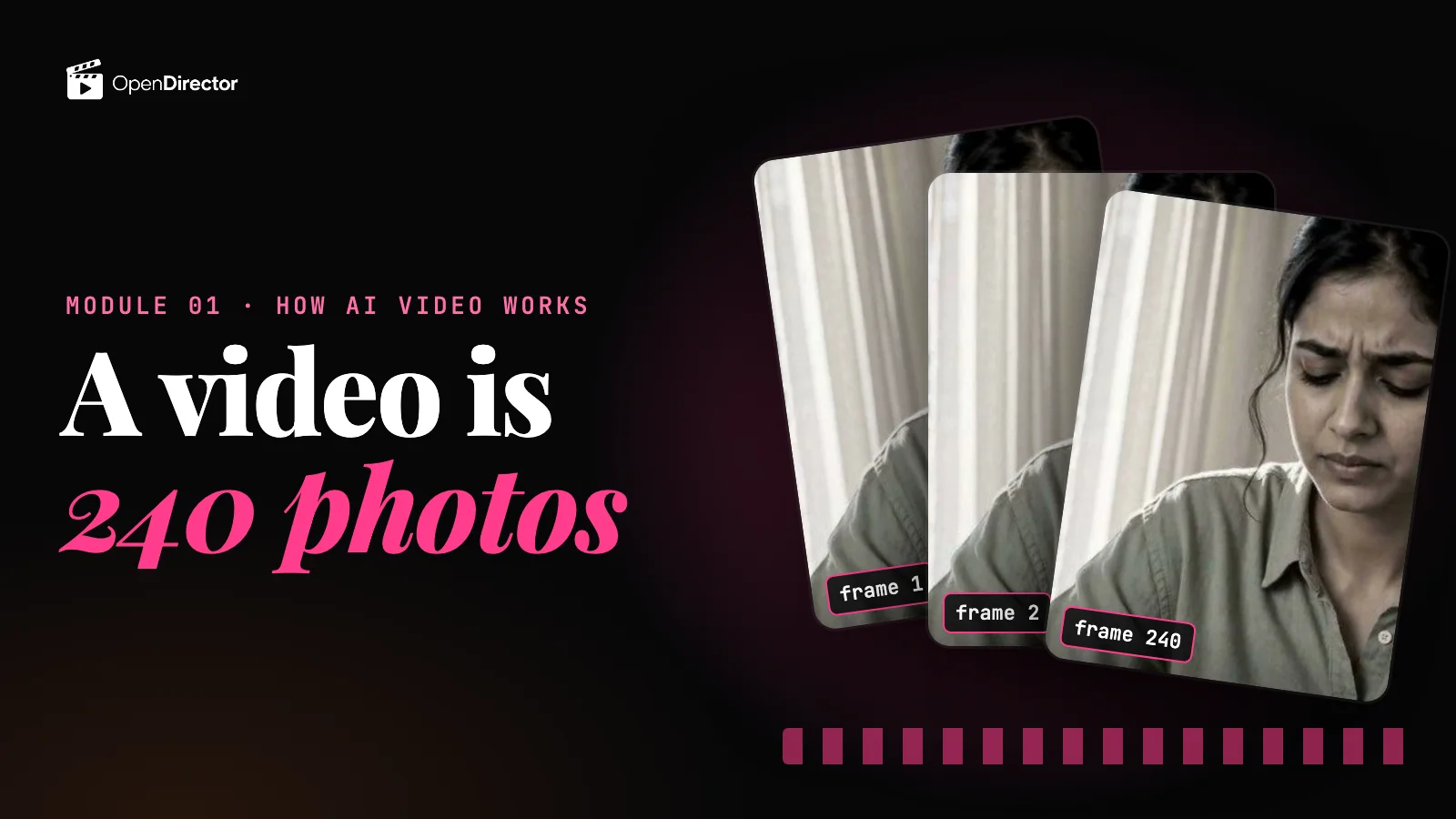
In thinking in frames we built the picture for video: a clip is a stack of frames, about 24 every second, and most models clean the whole stack at once, so motion and faces hold together. Your pictures get in one of three ways: as the first frame, as references every frame looks back at, or as a video to restyle or copy. And you pay for every second, more for higher resolution and sound.
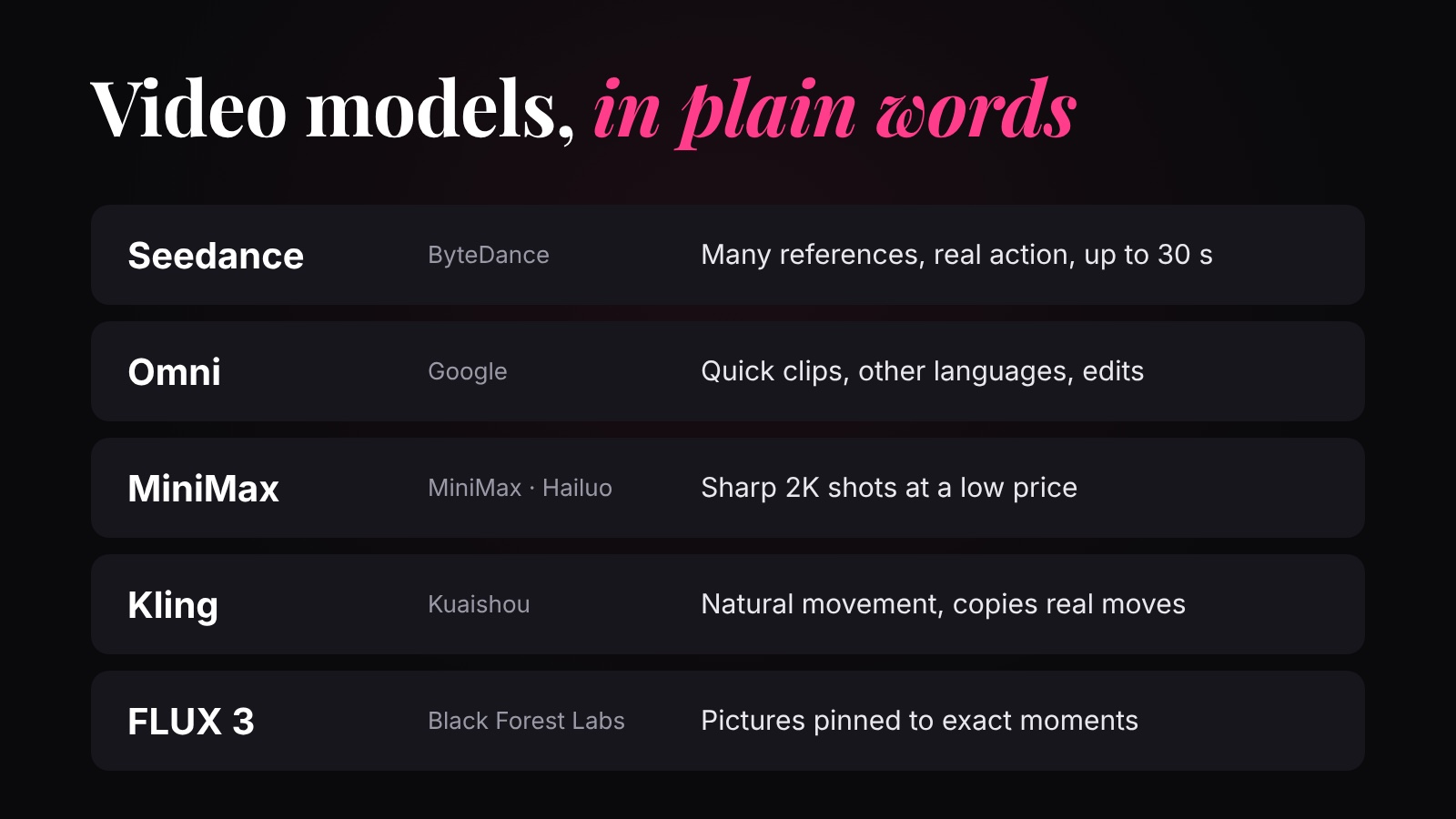
Every model below works that way. They differ in three things: which ways in they offer (some also take sound, like a music track to cut to), how long a clip they can make, and what each second costs. Five families cover almost everything. It's the same idea as image models, one step up.
Why you shouldn't skip the prep+
How each family starts a shot
The table from thinking in frames, filled in for these five, as each model is offered on OpenDirector. This one table decides most of your choices:
| Family | Words only | First frame (+ last) | References | Audio | A video | Clip length |
|---|---|---|---|---|---|---|
| Seedance 2.5 | Yes | Yes | Up to 30 images | Up to 10: music to cut to, or a voice | Up to 10: change or continue a clip | 4 to 30 s |
| Omni 1.1 Flash | Yes | Yes | Up to 3 images | No | Up to 2: change a clip by describing it | 3 to 10 s |
| MiniMax H3 / H3 Max | Yes | Yes | Up to 9 images | Up to 3 | Up to 3 | Short shots |
| Kling 3.0 / O3 | Yes | Yes (start and end) | Up to 7 images (O3 only) | No | Copy its movement (Motion Control) | 3 to 15 s |
| FLUX 3 | Yes | Yes, plus up to 10 keyframes pinned to exact moments | No | No | No | 5 to 20 s |
Seedance (ByteDance)
ByteDance's video model, and the one we use most in this course. On OpenDirector: Seedance 2.5 (the top one), Seedance 2.0, and the cheaper 2.0 Fast and 2.0 Mini for drafts.
| Good at | Watch out for |
|---|---|
| Reference-to-video: up to 30 pictures of your character, product and place, plus music or a voice, read at every step for every frame, so they stay the same. | It copies everything it reads in your references, words included: give it pictures with no text. |
| A long stack: Seedance 2.5 cleans up to 30 seconds (about 720 frames) at once, so a whole ad can be one clip with no joins. | A long, sharp stack is a lot of work: clips take minutes, and a redo is paid again. |
| Changing a clip you already have: give it the clip as a reference video and describe what to change, or continue it. | Voices in languages other than English can sound off; fast dance can look stiff. |
Pick it when you have reference images and want one longer, consistent scene.
Omni (Google)
Google's video model that both makes and edits video. On OpenDirector: Gemini Omni 1.1 Flash. Its special way in is the last row of that table: give it a video and describe the change (“make it night”).
| Good at | Watch out for |
|---|---|
| Video-to-video: changing a clip you already have, by typing what to change. | Words on signs and labels come out garbled (small details, decided last). Add text in the edit. |
| Believable physics: things fall, splash and collide the way they should. | A short stack: 3 to 10 seconds a clip, and it likes to add music. No audio input. |
| Speech in languages other than English, with its own voices: in our use it handles Hindi and other languages better than Seedance. | Faces drift if you ask for many shots in one clip; only 3 reference pictures. |
Pick it when you want a quick clip with believable motion, speech in another language, or to change a clip you already have.
MiniMax (Hailuo)
MiniMax is a Chinese AI company; its video models are called Hailuo. On OpenDirector: MiniMax H3, H3 Max (more work per frame, higher quality) and H3 Max Turbo (less work, cheaper).
| Good at | Watch out for |
|---|---|
| More pixels per frame for less: up to 2K and 4K at a low price per second. | It's new: few independent tests yet, so test before a big job. |
| Sound in the same pass: speech, effects and background noise. | A mistake at 2K is a big stack to redo, so plan the shot first. |
| A full set of references on both H3 and H3 Max: up to 9 pictures, 3 videos and 3 audio clips. | It makes single shots well; you still join and edit them. |
Pick it when you want sharp single shots for a low price.
Kling (Kuaishou)
Kuaishou is a Chinese video app company. On OpenDirector: Kling 3.0 and 3.0 Pro, Kling O3 (makes and edits, from references) and Kling Motion Control, the “copy its motion” row of the table: give it a video of someone moving and your character, and it moves your character the same way.
| Good at | Watch out for |
|---|---|
| Natural movement from frame to frame: walking, running, hands. | Keeping the same character across separate clips takes care: attach the same references to each. |
| Copying a real person's moves onto your character (Motion Control). | References are pictures only, up to 7, and only on O3; no audio input. |
| Text on products usually stays readable. | A failed generation still costs credits. |
Pick it when movement is the point: dance, sport, or copying a real performance.
FLUX 3 (Black Forest Labs)
Black Forest Labs, a German company best known for its FLUX image models. On OpenDirector: FLUX 3. Its special way in is keyframes: up to 10 pictures, each pinned to an exact moment of the clip, and the model makes one continuous shot through all of them.
| Good at | Watch out for |
|---|---|
| Hitting exact moments: your pictures appear at the times you set, so the shot goes where you planned. | Keyframes far apart from each other make the motion jump between them. |
| Long single shots: up to 20 seconds. | No reference tab: the character and product only come from your keyframes. |
| Sound in the same pass, matched to what happens on screen. | It's new: most quality claims so far come from the company, so test it first. |
Pick it when you know exactly what must be on screen at each moment, and have the pictures for it.
Which one should I use?
| You want | Use | Because |
|---|---|---|
| Your character and product, consistent, in a longer scene | Seedance 2.5 | The most references, and the longest stack |
| A cheap first draft to test a prompt | Seedance 2.0 Mini or MiniMax H3 Max Turbo, at 480p | Fewer pixels per frame, less work per second |
| To change a clip you already have | Seedance 2.5 or Omni 1.1 Flash | Both take your clip in and change it as you describe |
| Speech in Hindi or another language | Omni 1.1 Flash | Its own voices handle other languages well |
| Exact pictures at exact moments | FLUX 3 | Keyframes pinned to the second |
| A sharp single shot, cheaply | MiniMax H3 Max | High resolution at a low price per second |
| To copy a real person's movement | Kling Motion Control | It reads the motion from your video |
Remember what makes a video cost more (a longer clip, a higher resolution, sound): draft short and at low resolution first, fix the prompt there, and make the final once. A good draft can often just be upscaled (made sharper by adding pixels, as in thinking in pixels). There's a whole lesson on this: test prompts with draft videos.
How to open each one on OpenDirector
- Go to app.opendirector.co and sign in.
- Click Video in the top bar.
- Pick the model (for example Seedance 2.5) from the list.
- Choose how to start, the same ways in as the table above: Text, Frames (your first, and maybe last, picture), References (your character, product and place, and on some models a video or audio) or, on FLUX 3, Keyframes. Type the shot, then choose length, shape and resolution.
- Check the price on the button, then press Generate. Your result lands in your library.
Or jump straight to a model: Seedance 2.5 · Seedance 2.0 · Seedance 2.0 Mini · Omni 1.1 Flash · MiniMax H3 · MiniMax H3 Max · Kling 3.0 · Kling O3 · Kling Motion Control · FLUX 3.
Video is only the picture. Next: the models that make the sound. What each one costs is on the price comparison.
Quick answers
What is the best AI video model?
It depends how you start the shot. Seedance for references and longer scenes, Omni for quick clips and other languages, MiniMax for sharp shots at a low price, Kling for natural movement and copying motion, FLUX 3 for pictures pinned to exact moments.
Why is AI video so much more expensive than images?
A clip is a stack of pictures, about 24 every second, and the model cleans them all together so they agree. You pay per second, more for higher resolution and sound.
What's a draft?
A cheap, short, low-resolution test of your prompt. Fix the prompt on drafts, then make the final once.
Can I use all of them in one place?
Yes. On OpenDirector they're all in the Video menu, and you see the price before you generate.