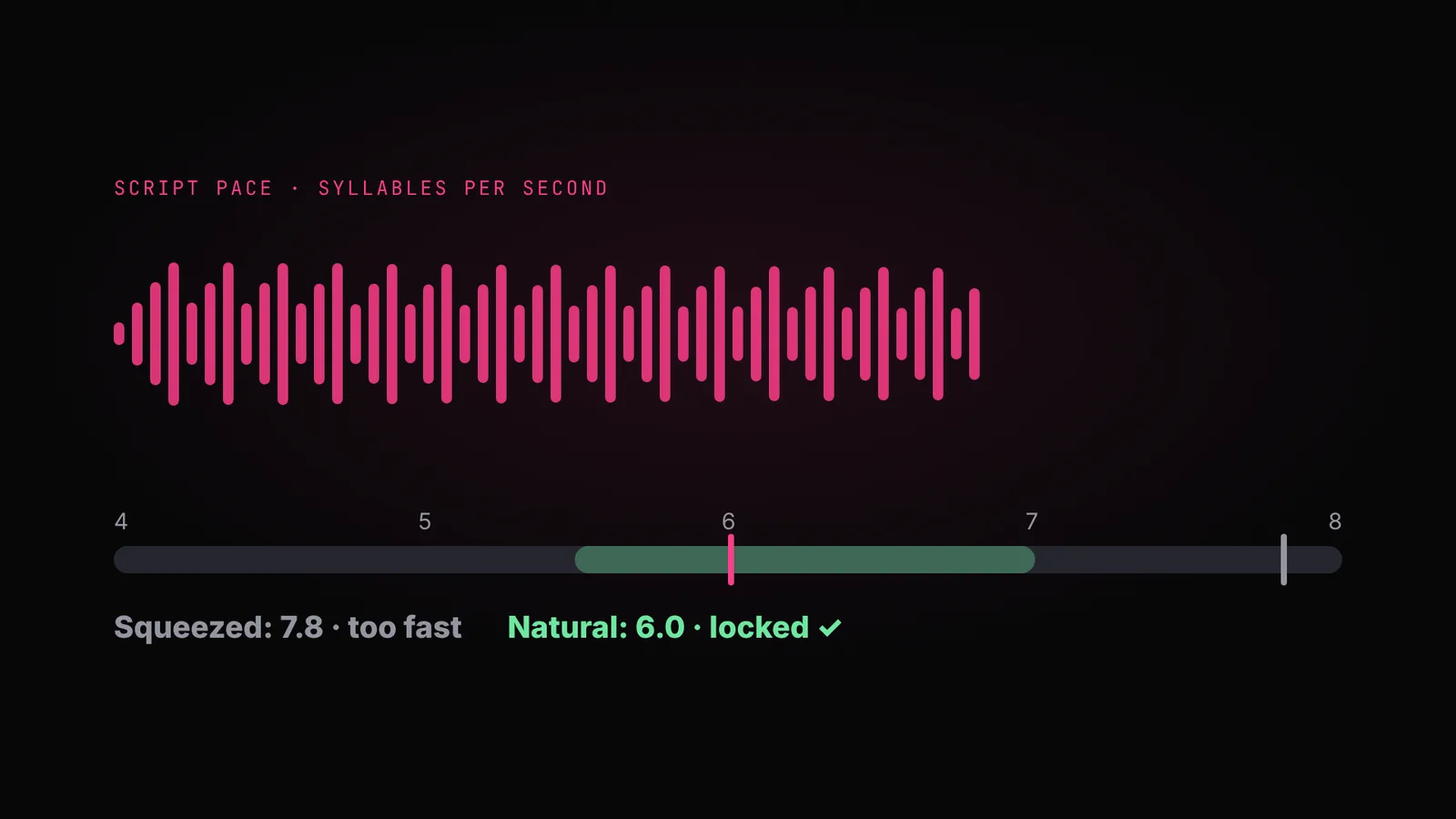
You have a script, and it sounds right. So you paste it into Seedance and generate. The voice is fine, but the picture is a guess. The room changes between clips. She stares at the lens when she should be looking at her friend. The camera swoops around what was meant to be a phone video.
The script only locks what you hear. What you see is still undecided, and a video model fills every gap with a guess, a different one in every clip. The screenplay is where those decisions get made.
Why you shouldn't skip this step+
What a screenplay decides
- The place. What kind of place it is, and what's physically in it: the surfaces, the objects, the light.
- The people. One fixed description per person, copied word for word into every shot, so no one changes between clips.
- The camera. What it was shot on (a phone, a camcorder, a cinema camera) and who's holding it.
- Every shot. Its size, its angle, one move at most, and how long it lasts.
- Where everyone looks. At the person they're talking to, or at the lens. Video models put everyone's eyes on the lens unless you say otherwise.
- Where everyone is. Who stands where, who sits, and which side they stay on from shot to shot.
What it doesn't touch is your words. Every line of the script stays exactly as written; the screenplay only decides what we see while it's said.
The format changes everything
The same script shot as a creator video and as a brand film needs two different screenplays. The format decides who is holding the camera, and that decides every shot.
| Format | Who holds the camera | The camera | The screenplay's shape |
|---|---|---|---|
| UGC | The creator, on a phone | Never moves inside a shot. Variety comes from moving the phone between shots. | A performance, plus cutaways |
| Talking-head formats | A phone on a tripod | Fixed, one continuous take | One take; tier lists, tables and comments are added in the edit |
| Micro-drama, cinematic | A crew | Named moves: push-in, dolly, orbit, crane | Scene by scene, every shot generated |
| Brand film | A crew | As cinematic, with the product always correct | Scene by scene, with a product sheet |
| Voice-over | Nobody is on camera | One shot for each claim | The voice is the spine; shots are laid over it |
| Product CGI | No performer | Fully generated | Every key moment planned as a frame |
Why you don't write it by hand
Writing a screenplay is a skill most people don't have, and it's a lot to hold in your head: 46 named camera moves, hundreds of named shot techniques, eyeline rules, continuity, and what each format allows.
So we turned it into a skill: OpenDirector's ScreenWriter. You call it by typing /opendirector-screenwriter in Claude. It writes the screenplay from your script and your format, and it reads our camera and shot-technique catalogs while it writes. Every shot gets a real, named technique that video models understand, instead of an adjective.
Before you paste: connect OpenDirector
- Connect the OpenDirector MCP in Claude. In Claude, open Settings, then Connectors, and add OpenDirector.
- Start a new chat and type
/opendirector-screenwriter. Paste the script you wrote earlier under it and name the format, like below. The language is already in your script, and the aspect ratio doesn't change the screenplay.
Don't skip the first step. Without the connection, Claude can't use the ScreenWriter skill or read the catalogs, and it writes the screenplay from memory.
/opendirector-screenwriter

Format: [UGC / talking-head / micro-drama / cinematic / brand film / voice-over / product CGI]

Script:
[paste the script table from the script lesson]

Keep every line of the script exactly as written.
What you get back
Here's the start of a screenplay for a 13-second UGC ad. First, everything that stays the same, written once:
Place: a small home kitchen in a Pune flat, morning light from a window on the left. A steel glass of water, a fruit bowl and a phone stand on the counter.
Person: PRIYA, 27, Maharashtrian, shoulder-length wavy black hair, mustard cotton kurta, small silver hoops.
Camera: smartphone front camera, propped on the counter. Self-shot: it never moves inside a shot.
Product: the green-apple ACV fizzy tablet tube, label always readable.
Then one row per shot:
| Shot | Time | Camera | What we see | Looks at | Line |
|---|---|---|---|---|---|
| 1 | 0.0–2.6s | Medium close, eye level, static | Priya leans into the phone, holding up a bottle of liquid vinegar, one eyebrow raised | The lens | “You're drinking your apple cider vinegar wrong.” |
| 2 | 3.1–5.2s | Close, slightly high (phone moved) | She puts the bottle down by the sink and shrugs | The lens | “Most people take it at night, when it can't do much.” |
| 3 | 5.6–8.2s | Top-down on the counter | Her hand drops one tablet into the glass; it fizzes | No face | “Take one tablet in water before breakfast instead.” |
| 4 | 8.6–10.6s | Medium, eye level | She sips, smiles and nods | The lens | “It tastes like green apple, not vinegar.” |
| 5 | 11.1–13.0s | Medium close, static | She holds the tube next to her face, label to camera | The lens | “Tap the link and get your first week free.” |
Read it before you generate
- Every spoken line is there, unchanged.
- The place, each person and the camera are described once, at the top, and copied into every shot.
- Each shot has one move at most, and none at all for UGC.
- No two shots in a row have the same size and angle.
- Every face has an eyeline, and in a scene only the last line (the call to action) looks at the lens.
- Nothing the viewer must read is drawn by the video. Prices, headlines and labels are added in the edit.
Something off? Don't edit the table yourself. Type a note in the same chat, like "shot 3: she should be at the window, not the sink", and ScreenWriter updates the table for you.
Can't picture it from the text?
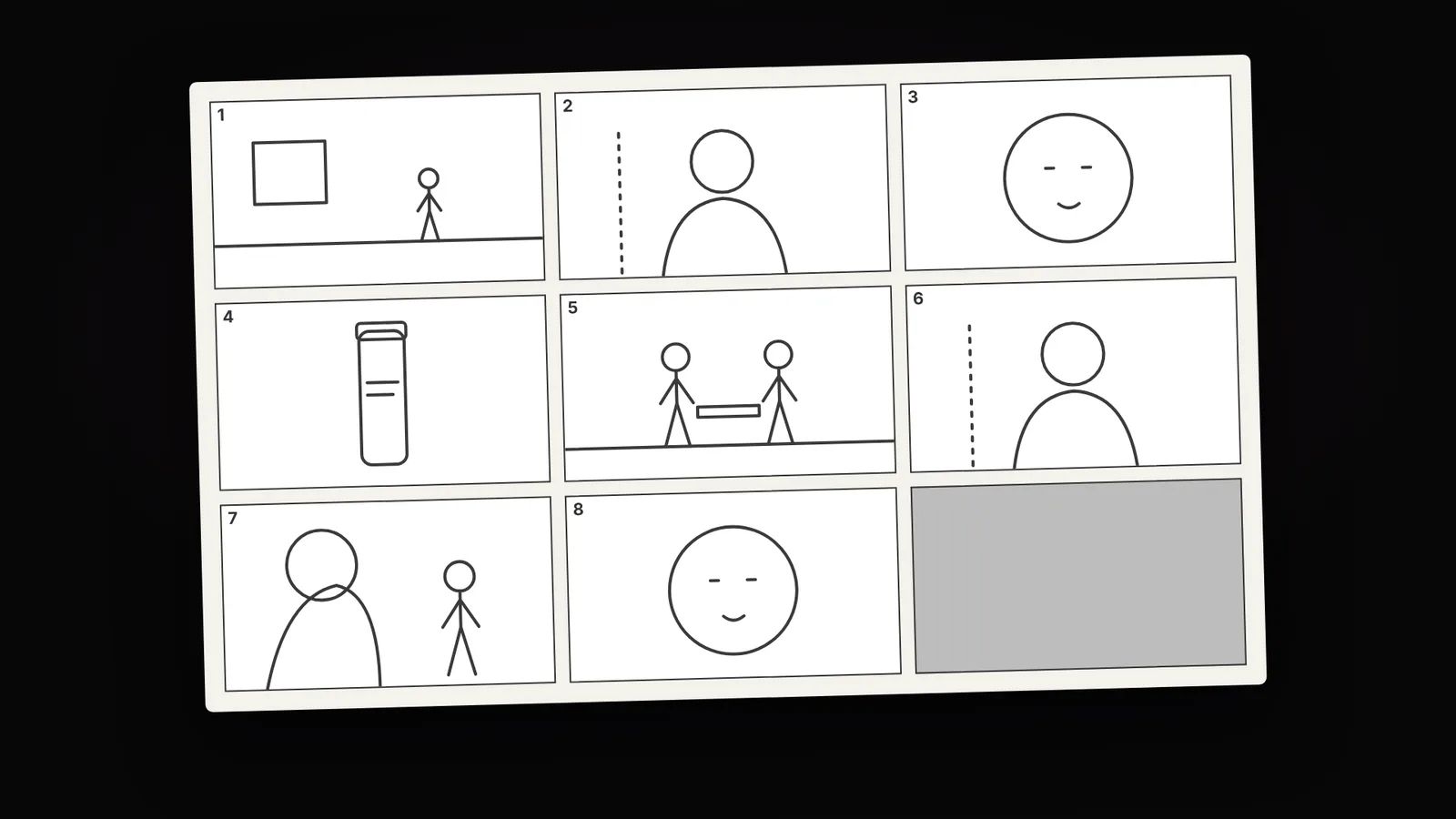
Most people can't, and that's normal: a screenplay is written for a video model, not for a reader. The next lesson turns it into pictures of every shot, so you can check it before you spend anything on video.
Quick answers
What's the difference between a script and a screenplay?
The script is what's said. The screenplay is what's seen: the place, the people, the camera, each shot and where everyone looks.
Why not paste the script straight into the video model?
Because it only locks the words. The model guesses everything you see, and guesses differently in every clip, so the place, faces and camera drift.
Do I need OpenDirector for this?
Yes. <code>/opendirector-screenwriter</code> is an OpenDirector skill, so connect OpenDirector in Claude first. It reads the camera and shot catalogs; without it, you'll get a screenplay written from memory.
How is a UGC screenplay different from a cinematic one?
UGC is shot by the creator on a phone, so the camera never moves inside a shot. Cinematic and brand films are shot by a crew, with named camera moves.
Does the screenplay change my script?
No. Every line stays exactly as written. The screenplay only decides what we see while it's said.