Framing, Camera Angles and Camera Movement: The Basics for AI Video
Three different questions every shot answers: how close, from where, and how the camera moves. What each one means, with a diagram and the words to put in your prompt.
By Vaibhav Dusad · Updated
Ask a video model for "a woman talking about her skincare" and it decides the camera for you. Usually it picks a slightly low, poster-like angle and a slow push-in, every single time.
The fix is to name the shot. Models know the words cinematographers use. Say "eye-level medium shot, static" and that's what you get. Here's every one you'll need, with a diagram and the words to use.
Why you shouldn't skip this step+
Framing, angle and movement: three different questions
People mix these up all the time, because all three are about "the camera". But each one answers a different question, and every shot needs an answer to all three.
The question
What it decides
Examples
Framing (shot size)
How much do we see?
How close the camera is, and what fits inside the frame
Close-up, medium shot, wide shot, two-shot
Camera angle
From where do we look?
Where the camera sits: its height and which side of the subject
Eye level, low angle, high angle, over the shoulder
Camera movement
What does the camera do during the shot?
Whether the camera stays still or moves, and how
Static, pan, dolly in, orbit, handheld
Framing and angle are about one frame. Movement is about time: how the frame changes while the clip plays.
Put together, they make one shot: medium close-up (framing), eye level (angle), slow dolly in (movement). Leave any one out, and the model picks it for you.
Every one of them, in detail: every framing, every camera angle and every camera movement. And three more things that shape a shot: the lens, like 35mm or 85mm, the camera, like a phone or an ARRI, time, like slow motion and time-lapse, and light.
Framing: how much we see
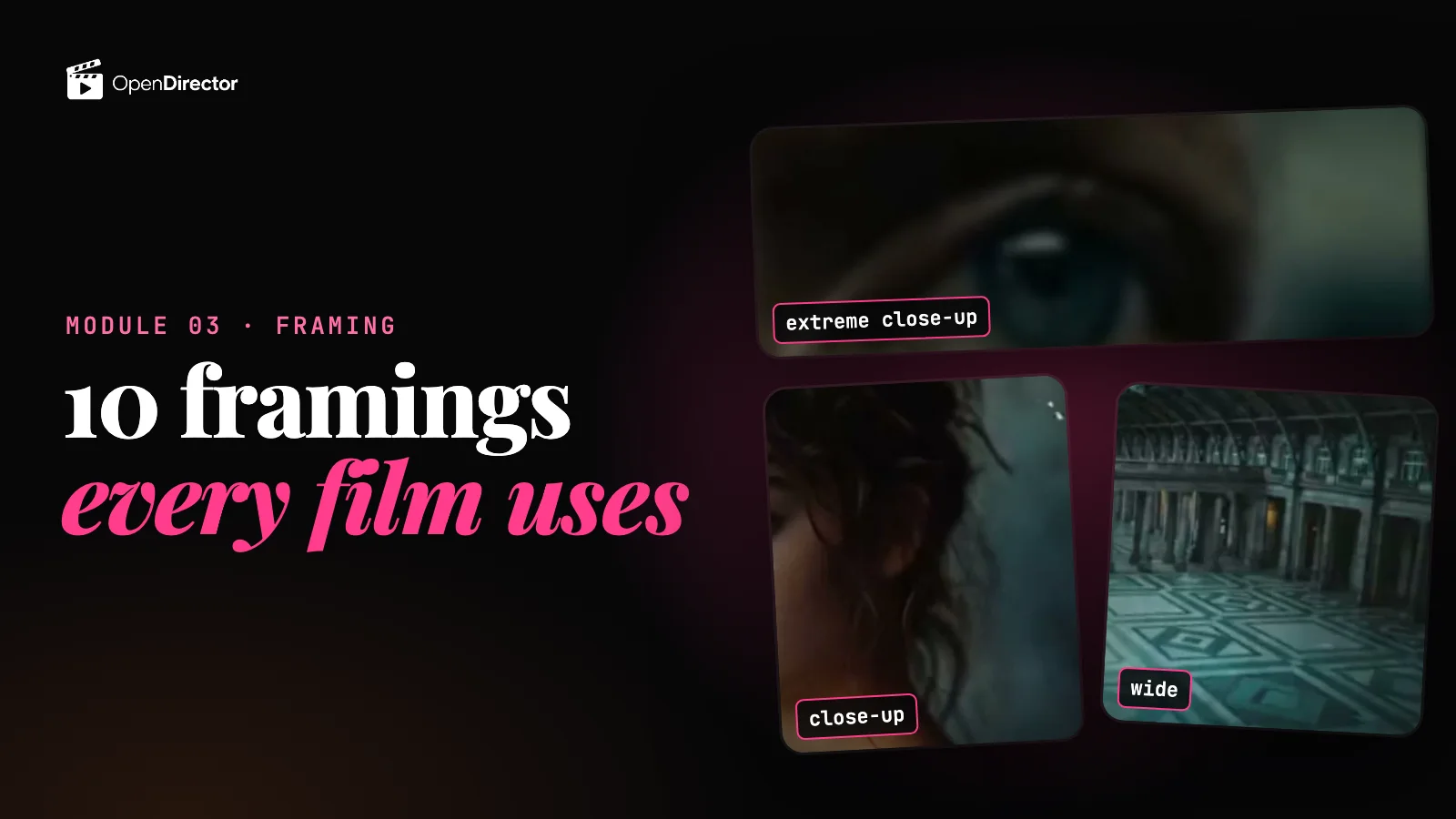
From 1 (extreme wide: the whole place) to 5 (extreme close-up: one detail). Wide shows where, close shows feeling.
Size
Shows
Use it for
Extreme wide
The whole place, people are small
Opening a scene, scale
Wide
The full body and the room
Where we are, who's there
Medium
Waist up
Talking, most UGC and dialogue
Close-up
Face or product fills the frame
Emotion, the product
Extreme close-up
One detail: eyes, a label, a drop
A reveal, a key detail
Change size between neighbouring shots. Two close-ups in a row read as one long shot.
Camera angles: where the camera sits
Eye level
Camera at the person's eye height. Neutral and honest, as if you're face to face. The default for talking to camera.
In your prompteye-level shot, camera at their eye height, level horizon
AI tends to: slip into a slight low angle, like a poster. Say "eye level" and "level horizon" to stop it.
Low angle
Camera below the eyes, looking up. The person feels powerful or imposing.
In your promptlow angle, camera below eye height tilted up
AI tends to: go too far and show only nostrils and sky.
High angle
Camera above, looking down. The person feels small, alone or watched.
In your prompthigh angle looking down about 30 degrees, face still visible
AI tends to: jump to a straight-down drone view with no face.
Overhead (top-down)
Straight down from above. Turns a table, a recipe or a flat-lay into a clean diagram.
In your promptstrict top-down shot, 90 degrees, no perspective tilt
AI tends to: tilt it, so the table becomes a trapezoid.
Worm's-eye
From the ground, looking straight up. For awe or threat: buildings, giants, a hero moment.
In your promptworm's-eye view from ground level looking straight up
AI tends to: settle for a normal low angle.
Dutch angle
The frame is tilted. Something feels off: tension, confusion, unease. Use it rarely.
In your promptstatic camera canted fifteen degrees, horizon tilted
AI tends to: roll the camera during the shot instead of holding the tilt.
Over the shoulder
Behind one person's shoulder, looking at the other. The standard shot for a conversation.
In your promptover-the-shoulder shot from behind A, looking at B
AI tends to: lose track of who is on which side between shots. Keep each person on the same side.
Point of view (POV)
We see exactly what the character sees. Pulls the viewer inside their head.
In your promptfirst-person point of view, we see through their eyes, their hands in frame
AI tends to: show the back of their head instead.
Three-quarter
The face turned about 45 degrees. The classic portrait: it gives the face shape and depth.
In your promptthree-quarter angle, face turned about 45 degrees, both eyes visible
AI tends to: turn too far into a flat side profile.
Camera movement: what the camera does
One move per shot. "Pan then zoom then orbit" in one clip confuses the model. And not moving is a choice too.
Static
The camera doesn't move at all. Calm and honest. Best for talking heads and anything with small details.
In your promptlocked-off static shot, fixed camera position for the whole clip
Pan
The camera turns left or right from one spot. Reveals the room or follows a look.
In your promptpan right, rotate horizontally from a fixed point, level horizon
Tilt
The camera tips up or down from one spot. Reveals height: from shoes to face, or up a building.
In your prompttilt up, rotate upward from a fixed point
Dolly in
The whole camera moves toward the subject. Builds focus and intensity.
In your promptdolly in, camera moves forward in a straight line toward the subject
Dolly out
The camera moves back. Reveals the surroundings, or leaves a person alone.
In your promptdolly out, camera moves backward, more of the room enters frame
Truck
The camera slides sideways, staying pointed the same way. Good along a shelf or a line of people.
In your prompttruck right, camera slides sideways on a straight path
Pedestal
The camera rises or lowers straight up and down, staying level.
In your promptpedestal up, camera rises vertically, lens stays level
Tracking / follow
The camera moves with a walking person, keeping pace. Energy and journey.
In your prompttracking shot, camera moves alongside the subject at their pace
Arc / orbit
The camera circles around the subject. A hero reveal, a product turntable, a big moment.
In your promptslow orbit around the subject at a fixed distance, subject centred
Crane / drone up
The camera rises up and back. Opens or ends a film big.
In your promptcrane up, slow vertical rise revealing the wider scene
Zoom in
The lens gets tighter while the camera stays put. Flatter and more noticeable than a dolly.
In your promptslow zoom in, lens tightens, camera stays in place
Crash zoom
A very fast zoom. Comedy, shock, or a punchline.
In your promptcrash zoom in, snap fast to a tight frame
Handheld
Small natural shakes, like a person holding the camera. Feels real. It's the look of UGC.
In your prompthandheld camera, subtle natural sway, human operator
Whip pan
A super-fast pan with motion blur, used to jump between two things or as a transition.
In your promptwhip pan right, fast snap with motion blur, lands on the second subject
Push past
The camera moves forward past something in the foreground, like a doorway or plants, into the scene.
In your promptpush past the foreground plants, camera glides forward into the room
Rules that keep AI shots clean
Name the size, the angle and the move in every shot: "medium shot, eye level, static".
One move per shot, and one speed ("slow", "smooth").
For self-shot UGC, no camera moves. Vary the shots by moving where the phone is, not by moving the phone.
Don't repeat. No two shots in a row with the same size and angle.
Use the words in this lesson. Models know these names better than descriptions like "cinematic" or "dynamic".
Quick answers
Which camera angle is best for a talking-head video?
Eye level, medium or close-up, and static. Add a slight handheld feel if it's UGC, like the <a href="/learn/talking-head-video-task/">talking head in AI Video 101</a>.
What's the difference between a dolly and a zoom?
A dolly moves the whole camera, so the background shifts. A zoom only changes the lens, so everything just gets bigger and flatter.
Can I use two camera moves in one AI clip?
Better not. Models handle one move well and usually mix up two. Split it into two shots.
Do these words work in Seedance, Veo and Kling?
Yes. They're standard film terms, and all the major <a href="/learn/ai-video-models-explained/">video models</a> were trained on them.
Why does AI make every shot a low angle?
Models lean toward poster-style portraits. Say "eye level" and "level horizon" and it stops.
Keep going
Next lesson → Lesson 2
Framing and Shot Sizes for AI Video, with a Prompt for Each (25 Framings)
Your AI video looks fine. But every shot feels the same. Same distance, same height, nothing moving. That's not the model's fault. Nobody told it where to put the camera.
Three words fix that. Framing is how much you see: a face filling the screen, or a person small in a big room. Angle is where the camera looks from: eye level, from below, or from above. Movement is what the camera does while the shot plays: it stays still, pushes in, or follows.
Great directors use all three to make you feel something without a word. In Citizen Kane, the camera sits so low the crew cut holes in the floor, so Kane towers over everyone. In The Good, the Bad and the Ugly, Sergio Leone fills the screen with a gunfighter's eyes before the draw, and the wait becomes unbearable. In Jaws, the beach stretches away behind Brody's face the moment he sees the shark. That's a dolly zoom. And in Goodfellas, one unbroken shot follows Henry through a back door, a kitchen, and into a club, and you feel how much power he has.
That's why it matters. A close-up says: this matters. A low angle makes someone powerful. A high angle makes them small. A slow push-in builds tension.
So don't pick a shot to look cool. Ask what the viewer should feel. Then choose the framing, angle and move that say it.
Bad is the same eye-level medium shot, five times in a row. Or a fancy move with no reason. Good is variety with a purpose: wide to show where we are, close when it gets personal, a move when something changes.
It also depends on the kind of video. A UGC ad should look like a real person filmed it on a phone: at arm's length, at eye level, with a little natural shake. No drones. No cranes. A drama mixes wide shots, close-ups on reactions, and over-the-shoulder shots for conversations, with slow, steady moves. Anime goes big: extreme low angles, fast whip pans, and moves no real camera could make. A crane shot in a UGC ad looks fake. A shaky phone shot in anime looks broken.
So plan at the screenplay stage, and execute at the prompt stage. In the screenplay, decide each shot's framing, angle and move, and why. When you write the prompt, put that decision into words the model understands.
You don't need to memorise names. Open the framing, angle or movement guide, and type what you want, like close, or follow. Or tap a use case, like product or dialogue, to see only what fits. Each card shows a short example, when to use it, and what goes wrong. Found it? Copy its prompt line. Not sure what a word means? Tap: What is framing?
Stuck? The OpenDirector Claude plugin already has all these guides built in. Install it from Resources on OpenDirector. Then just type: /opendirector, rewrite my screenplay with proper framing, angles and camera moves. It brainstorms the shots with you, and writes the direction into your prompts.
‹Included in the plan›
Name the shot. Get the shot.
Plan shot sizes, angles and moves for every clip on OpenDirector.